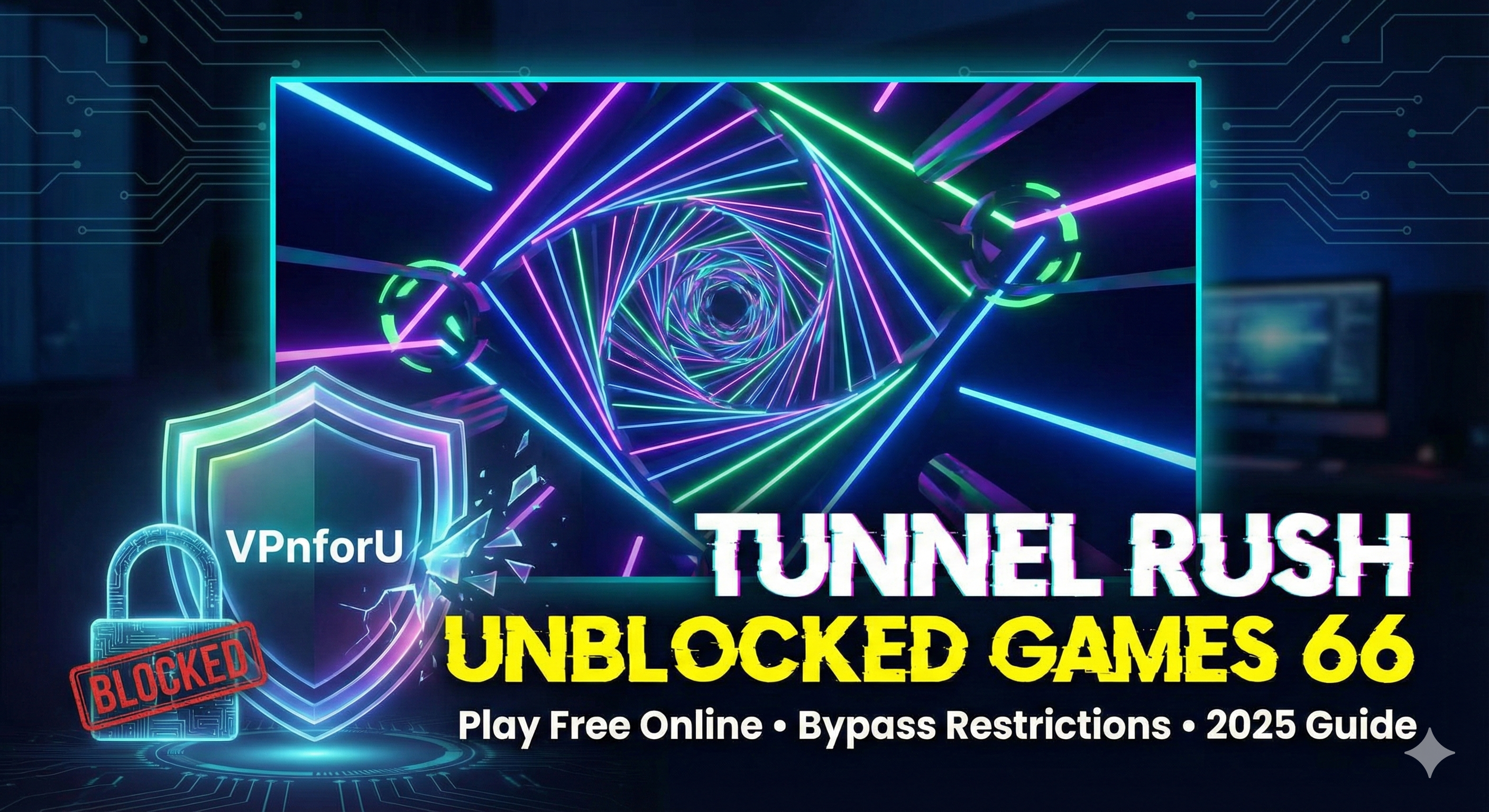
We’ve all been there. You just want to relax your brain with five minutes of adrenaline-pumping gameplay. Then try Tunnel Rush, a neon-lit, fast-paced game has become a must-have for browser gamers worldwide.
Accessing high-quality browser games isn’t just about killing time; it’s about reclaiming your digital freedom. In this detailed guide, I’ll walk you through exactly what Tunnel Rush is, how to play it (even if your network admin hates fun), and the best strategies to dominate the leaderboards.
What is Tunnel Rush?
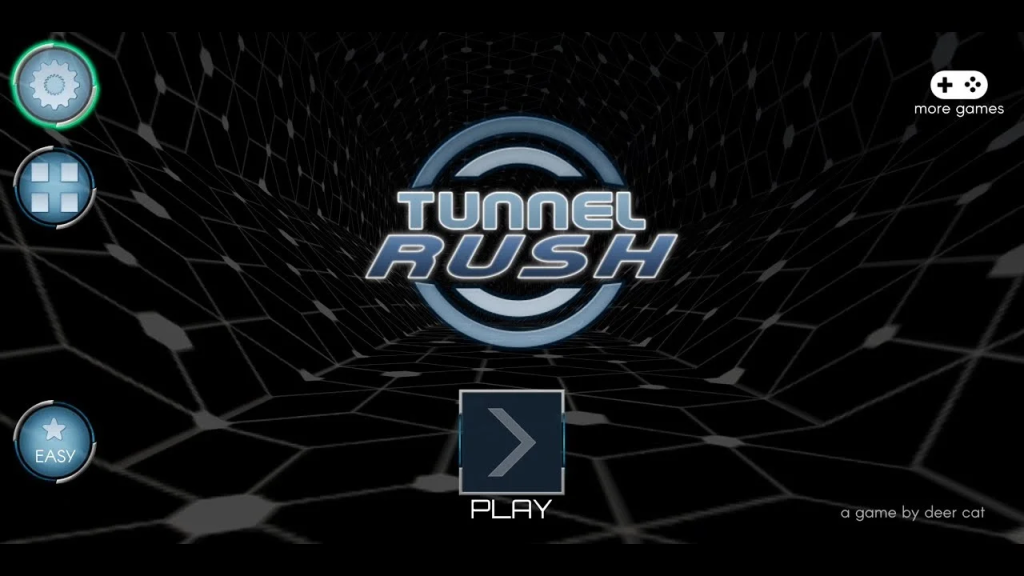
Tunnel Rush is an endless runner game that tests your reflexes, spatial awareness, and ability to remain calm under extreme visual pressure. Developed by Deer Cat Games, it throws players into a 3D tunnel filled with moving obstacles, spinning barriers, and rapidly changing colors.
The gameplay is deceptively simple:
- Objective: Survive as long as possible while racing through a tunnel.
- Controls: Use the Left and Right arrow keys (or A and D) to rotate the tunnel.
- Obstacles: Red barriers that will shatter your run instantly upon impact.
What makes Tunnel Rush unique—and frankly, incredibly addictive—is its speed. Unlike other endless runners that ramp up slowly, Tunnel Rush throws you into the deep end almost immediately. The tunnel rotates, the obstacles spin, and the hypnotic music creates a “flow state” experience that is hard to replicate in other browser games.
I’ve tested hundreds of unblocked games, and Tunnel Rush stands out because it doesn’t rely on complex mechanics. It’s pure, raw reaction time. It’s the digital equivalent of a double shot of espresso.
Why is Tunnel Rush “Blocked”?
Before we dive into how to play, let’s talk about why you can’t just type “Tunnel Rush” into your school Chromebook and play. Network administrators use firewalls and web filters (like Securly, GoGuardian, or Barracuda) to blacklist gaming domains. They categorize sites like CoolMathGames or CrazyGames as “Distractions” or “Bandwidth Hogs.”
This is where the term “Unblocked Games 66” comes in. “66,” “76,” and “EZ” sites are mirror sites hosted on Google Sites or other educational domains that often slip through the cracks of automated filters.
How to Play Tunnel Rush Unblocked Games 66 Free Online
If you are facing a “Site Blocked” screen, don’t worry. Here is my step-by-step tutorial to get you back in the game.
Method 1: The “66” Google Sites Strategy
The most common way to play is through Google Sites mirrors. Since many schools use Google Workspace, they often cannot block the entire sites.google.com domain without breaking their own infrastructure.
- Open your browser (Chrome is recommended for best performance).
- Search specifically for:
Tunnel Rush unblocked games 66 ezorTunnel Rush 66 unblocked. - Look for a Google Site result: These URLs usually look like
sites.google.com/site/unblockedgames66ez/. - Click and Play: These versions are usually embedded HTML5 or WebGL frames that run directly in the browser.
Method 2: Using a VPN
If the “66” sites are also blocked, or if you want to ensure your browsing history remains private from snooping network admins, a Virtual Private Network (VPN) is your best friend.
As the “VPnforU” guy, I cannot stress this enough: Encryption is key. A VPN tunnels your traffic through a secure server, masking your activity. The network filter only sees gibberish, not that you are visiting a gaming site.
Steps to Play with a VPN:
- Choose a Reliable VPN: Don’t use free, sketchy proxies that steal your data. (Check out our guide on the Best VPN for 2026 to find a secure option).
- Install the Extension/App: Most premium VPNs have a Chrome extension.
- Connect to a Server: Pick a server close to your physical location (e.g., if you are in New York, choose a New York server) to keep your ping low. Latency is the enemy of Tunnel Rush.
- Navigate to the Game: With the VPN on, visit any major gaming portal (like Poki or Y8) and search for Tunnel Rush. It should now load perfectly.
Winning Strategies: How to Beat the Tunnel
I’ve logged an embarrassing number of hours on this game. Here are my top tips:
- The “Middle Distance” Stare: Don’t look at your character (the POV). Look slightly ahead at the center of the screen. This gives your brain more time to process incoming obstacles.
- Pre-Rotation: Anticipate the tunnel’s rotation. If you see a large gap coming up on the right, start leaning right before you even reach the obstacle.
- Stay Calm: The game uses flashing lights and fast music to induce panic. Breathe.
7 Best Alternatives to Tunnel Rush Unblocked Games 66
Sometimes, you just hit a wall (literally) and need a break. If Tunnel Rush is blocked or you want something new, here are 7 incredible alternatives I recommend.
1. Blockpost Unblocked
If you crave action but prefer shooting over running, Blockpost is a fantastic procedural FPS. It has a Minecraft-like aesthetic but plays like a competitive shooter. It’s often unblocked because it runs on lightweight engines.
- Why I like it: It adds a layer of strategy that endless runners lack.
- Read more: Blockpost Unblocked: The Ultimate Guide to Playing at School
2. Run 3
The grandfather of tunnel runners. Run 3 offers a more slower-paced, gravity-defying platformer experience. You play as a little alien navigating holes in space.
- Pros: immense level variety and different characters with unique abilities.
3. Toon Cup Unblocked
Prefer sports? Toon Cup allows you to play soccer with your favorite Cartoon Network characters. It’s surprisingly competitive and well-polished for a browser game.
- Why it works: Great for 5-minute matches during breaks.
- Read more: Toon Cup Unblocked: How to Play Football at School
4. Slope
Slope is the closest relative to Tunnel Rush. Instead of a first-person tunnel, you control a ball rolling down a 3D city skyline. The physics are heavier, and momentum plays a huge role.
- Challenge Level: Extreme.
5. Retro Bowl Unblocked
Since you mentioned checking other sources, I have to agree that Retro Bowl is a top-tier alternative. It’s an 8-bit style football management and gameplay simulation that is shockingly deep.
- Vibe: Perfect for players who like strategy mixed with arcade action.
6. Unblocked Games 77 (The Platform)
Sometimes the best alternative isn’t a single game, but a different library. Unblocked Games 77 is another massive repository similar to the “66” sites but often hosts different versions or deeper cuts of games.
- Best for: When you don’t know what you want to play.
- Explore here: Top 20 Games on Unblocked Games 77 to Play
7. Color Tunnel
This is essentially Tunnel Rush’s twin brother. It offers slightly different visuals—more round and pipe-like—and slightly more forgiving hitboxes. If Tunnel Rush feels too jagged, try Color Tunnel.
Frequently Asked Questions (FAQs)
Q: Is Tunnel Rush safe to play? A: Yes, the game itself is harmless. However, be careful with the ads on “unblocked” websites. Some mirrors are loaded with pop-ups. I recommend using an ad-blocker or a VPN with “Threat Protection” features.
Q: Why does Tunnel Rush lag on my Chromebook? A: Chromebooks often have low RAM. Close your other 20 tabs! Also, a poor VPN connection can cause lag. Ensure you are using a high-speed protocol like WireGuard.
Q: Can I play Tunnel Rush offline? A: Generally, no. It is a browser-based game. However, some mobile app versions (available on the Play Store or App Store) can be played offline if you download them to your phone.
Q: How do I unblock the game without a VPN? A: You can try using a mobile hotspot (tethering your Chromebook to your phone’s data) to bypass the school Wi-Fi entirely. Just watch your data limits!
Conclusion
Tunnel Rush Unblocked Games 66 remains the king of quick, reflex-based browser entertainment. Its neon aesthetic and punishing difficulty make it the perfect way to sharpen your mind during a dull afternoon. Whether you access it via a Google Site mirror or power through restrictions with a trusted VPN, the rush is worth the effort.
Remember, while gaming is great, keeping your data secure is better. Always ensure you’re browsing safely with VPN.