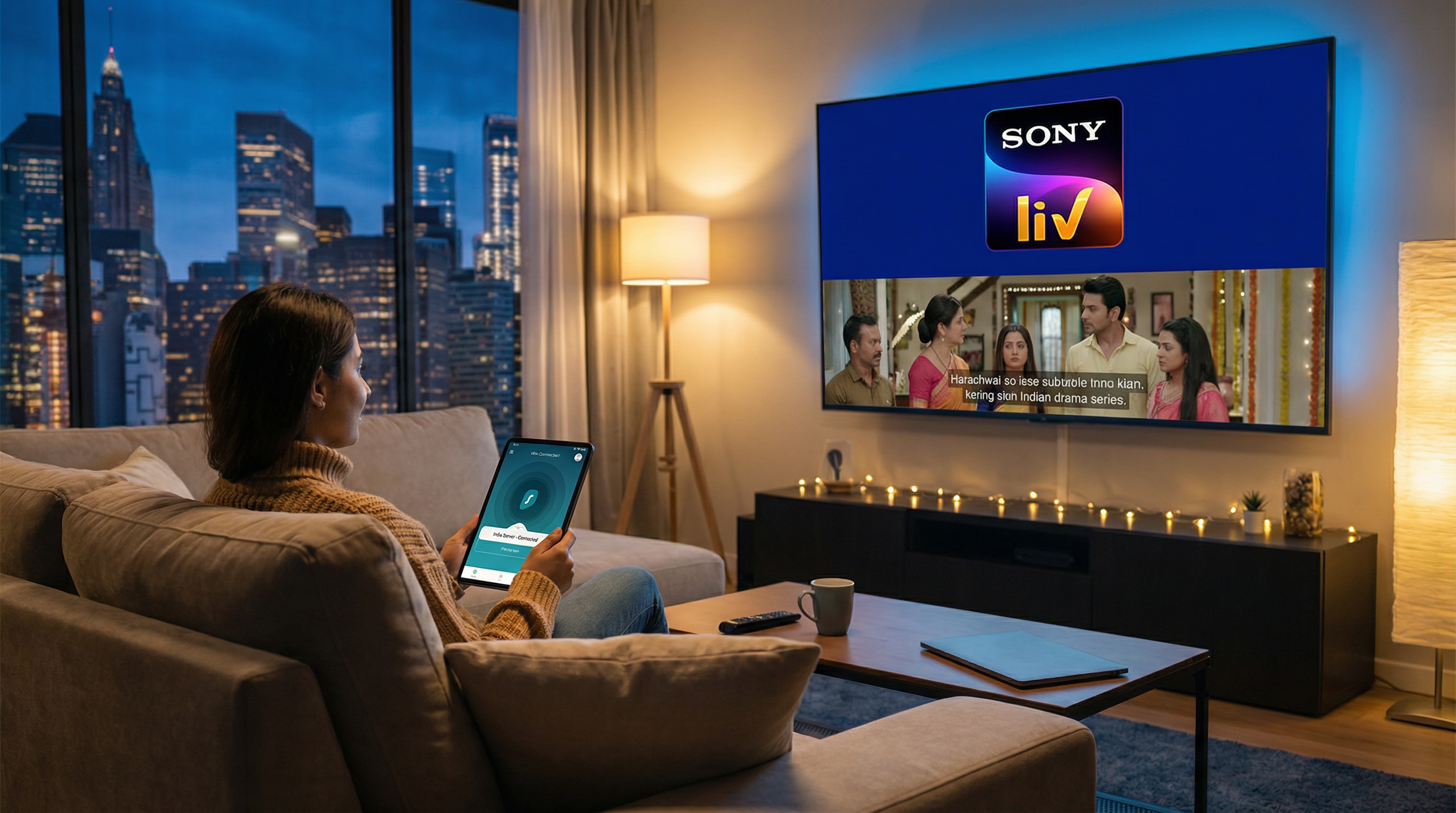
When you try to catch up on the latest episode of your favorite Indian drama or a thrilling cricket match, only to be met with a frustrating message: “Content not available in your region.” This all too common scenario is the bane of many international viewers, especially those in the USA trying to access the rich library of SonyLIV.
This Indian streaming giant offers a treasure trove of entertainment, from gripping original series and popular TV shows to exhilarating live sports like cricket and football. Yet, the question is how to watch SonyLIV in USA?
This guide will delve into why you face these restrictions and, more importantly, how you can overcome them to enjoy seamless streaming of SonyLIV.
What to Watch on SonyLIV?
SonyLIV stands as a pioneering over-the-top (OTT) streaming platform in India, launched by Sony Pictures Networks India. It was among the first to offer a diverse range of content, quickly becoming a go-to source for Indian entertainment. The platform boasts an extensive library of over 40,000 hours of content, catering to a wide array of tastes and preferences.
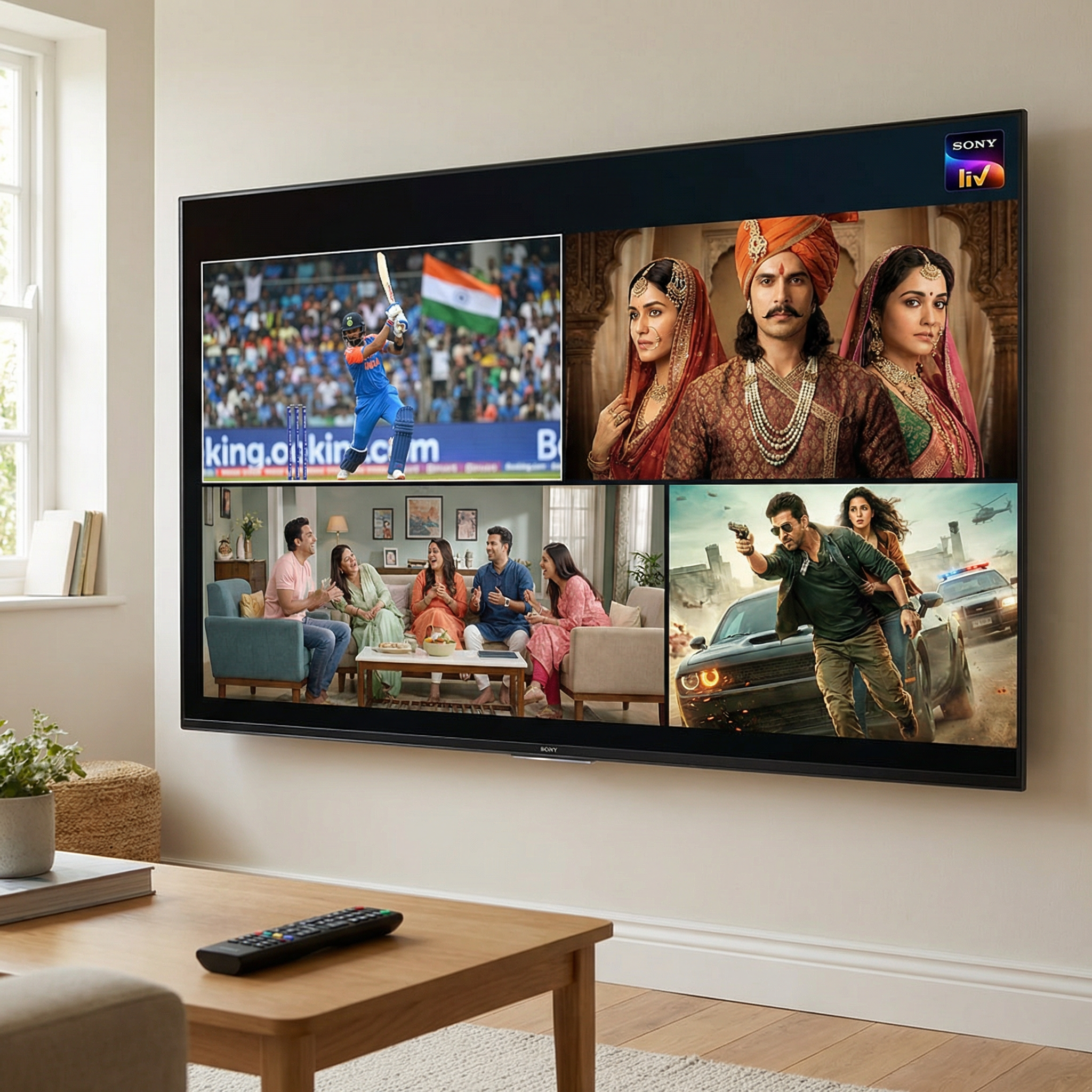
From critically acclaimed LIV Originals like Scam 1992 and Maharani to popular TV shows such as Taarak Mehta Ka Ooltah Chashmah and Shark Tank India, SonyLIV ensures there’s always something engaging to watch.
Sports enthusiasts are particularly drawn to its live coverage of major events, including cricket tournaments, football leagues like UEFA and Bundesliga, tennis, and WWE. The content is available in multiple Indian languages, including Hindi, Marathi, Malayalam, Tamil, and Gujarati, making it a cultural hub for the Indian diaspora worldwide.
Why is SonyLIV Geo-Blocked in the USA?
The primary reason behind SonyLIV’s unavailability in the USA, and many other countries, boils down to licensing agreements and copyright laws.
Content distribution rights are often negotiated on a regional basis, meaning that a show or movie licensed for broadcast in India may not have the same rights for distribution in the United States. This complex web of legalities forces streaming platforms like SonyLIV to implement geo-restrictions, preventing access from unauthorized regions.
These restrictions are enforced by detecting your IP address, which reveals your geographical location. If your IP address indicates you are outside SonyLIV’s licensed territories (primarily India, and a few other select countries like Canada, Australia, and the UK), access is denied, and you’re typically met with an error message.
This system, while necessary for rights holders, creates a significant barrier for viewers who wish to access their preferred content from abroad.
How to Watch SonyLIV in USA?
For those in the USA eager to dive into SonyLIV’s extensive library, there are two primary avenues to explore, each with its own set of advantages and considerations.
1. The Official Access to SonyLIV in the USA
The most straightforward and official method to watch SonyLIV in the USA is through Sling TV.
This service offers several packages that include SonyLIV content, making it a legal and convenient option for many.
For instance, Sling TV offers a standalone SonyLIV subscription for $7.99/month. Additionally, their Desi Binge package, priced at $10/month, includes SonyLIV along with other popular Indian streaming services like Hotstar Special, Simply South, and Shemaroo Me.
For those interested in sports, the Desi Binge Plus package offers even more value, including Willow HD and other sports channels, making it ideal for catching live cricket matches.
The main advantage of this method is its legality and ease of use, as it doesn’t require any technical workarounds. However, it’s important to note that the content available through Sling TV might not always mirror the full Indian SonyLIV library, and the cost can be higher compared to direct subscriptions in India.
2. Unlock the Full Library with a VPN
For viewers seeking access to the complete Indian SonyLIV content library and potentially significant cost savings, utilizing a Virtual Private Network (VPN) is a highly effective solution.
A VPN works by encrypting your internet connection and routing it through a server in a location of your choice. By connecting to a server in India, your device appears to be accessing the internet from within India, effectively bypassing SonyLIV’s geo-restrictions.
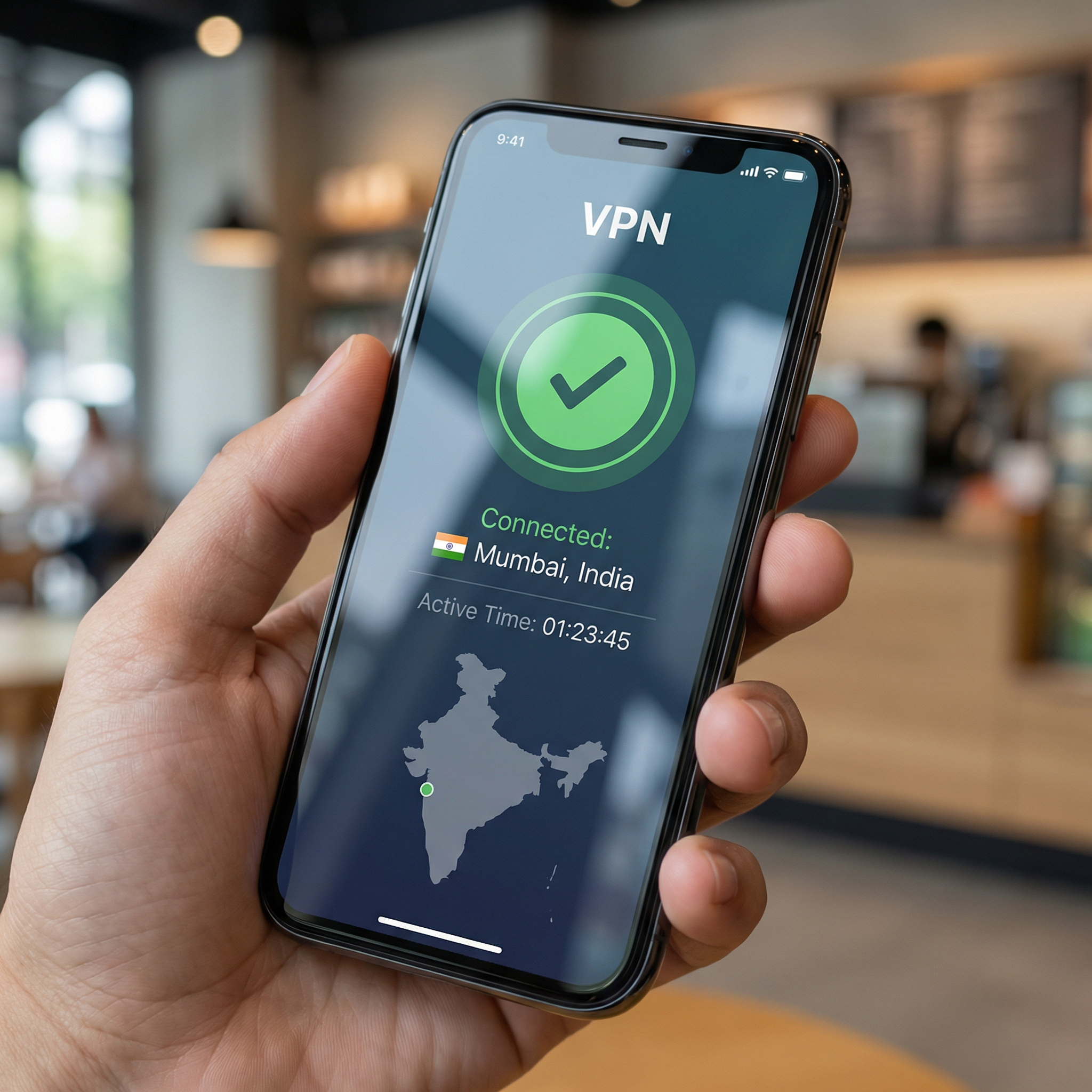
The benefits of using a VPN extend beyond just unblocking content. It also enhances your online privacy and security by encrypting your internet traffic, protecting your data from potential cyber threats.
You should know that using a VPN to bypass geo-restrictions will go against the streaming service’s terms of service, though it is generally not illegal in most countries, including the USA. The risk of personal penalties for individual users is extremely low.
This method offers access to the full range of SonyLIV content, including all regional variations and exclusive Indian releases. Furthermore, direct subscriptions to SonyLIV in India are considerably cheaper, with annual plans costing as little as INR 699 (approximately $8.20 USD) for a mobile-only plan or INR 1499 (approximately $17.59 USD) for a premium plan, compared to the monthly costs through Sling TV. The primary challenge lies in selecting a reliable VPN that can consistently bypass geo-blocks and offers fast speeds for buffer-free streaming.
Best VPNs for SonyLIV in the USA
Choosing the right VPN is crucial for a smooth SonyLIV streaming experience. The best VPNs for this purpose are those with a strong presence of servers in India, excellent unblocking capabilities, and fast connection speeds.
Based on extensive testing and user feedback, here are some top recommendations:
1. NordVPN
NordVPN consistently ranks as a top choice for streaming geo-restricted content. It boasts an impressive network of over 8900 servers in 130 countries, including a significant number of servers in India.
This extensive server network ensures reliable access to SonyLIV and other Indian streaming platforms. NordVPN is also renowned for its robust security features and fast, stable connection speeds, which are essential for high-quality, buffer-free streaming of live sports and movies. Plans typically start around $3.39 per month with promotional offers.
2. Surfshark
Surfshark offers an excellent balance of affordability and performance, making it a great value option.
It provides servers in key Indian locations, such as Mumbai and Delhi, and a total of over 4500 servers in 100 countries. A standout feature of Surfshark is its allowance for unlimited simultaneous connections, meaning you can protect all your devices with a single subscription.
Its fast speeds and strong unblocking capabilities make it ideal for streaming SonyLIV from anywhere. Pricing often begins around $1.99 per month with discounts.
3. IPVanish
IPVanish is another strong contender, known for its reliable performance and dedicated servers in Mumbai, India, among its 3200+ servers in 110+ countries.
It offers a solid all-around service with fast speeds and robust security features, ensuring your online activities remain private and secure. IPVanish also supports unlimited simultaneous connections, providing flexibility for households with multiple devices. Subscriptions can be found for as low as $2.19 per month with certain deals.
4. ExpressVPN
While often at a higher price point, ExpressVPN is widely recognized for its exceptional speed and ability to bypass even the toughest geo-restrictions.
Many users report consistent success using ExpressVPN to access Indian content, often leveraging its virtual Indian servers routed through locations like Singapore and the UK. Its ease of use and strong performance make it a reliable choice for those prioritizing speed and unblocking capability.
When selecting a VPN, consider factors such as server locations (especially in India), connection speed, unblocking consistency, security features, and customer support. For streaming live events like cricket, speed is paramount to avoid buffering and ensure a seamless viewing experience.
How to Use VPN & Watch SonyLIV in the USA?
Setting up a VPN to access SonyLIV is a straightforward process, though the exact steps may vary slightly depending on your device.
Here’s a general guide to get you started:
For PC (Windows or Mac):
- Choose and Subscribe: Select a reputable VPN service (like NordVPN, Surfshark, or IPVanish) and subscribe to their service.
- Download and Install: Download the VPN client software from the provider’s official website and install it on your computer.
- Connect to an Indian Server: Open the VPN application, log in, and connect to a server located in India.
- Access SonyLIV: Once connected, open your web browser and navigate to the SonyLIV website. You should now be able to access the content as if you were in India.
- Troubleshooting Tip: If you encounter issues, try clearing your browser’s cookies and cache, or switch to a different Indian server.
For Mobile Devices (Android or iOS):
- Change App Store Region (if necessary): For some apps, you might need to temporarily change your device’s app store region to India to download the SonyLIV app. However, often you can download the app directly from your current region’s app store.
- Download VPN App: Download and install your chosen VPN app from the Google Play Store or Apple App Store.
- Connect to an Indian Server: Open the VPN app, log in, and connect to a server in India.
- Open SonyLIV App: Launch the SonyLIV app. You should now have access to the Indian content library.
For Streaming Devices (Firestick, Roku, Kodi):
Streaming devices like Roku do not natively support VPN apps. In such cases, you’ll need to set up the VPN on your Wi-Fi router. This way, all devices connected to that router will benefit from the VPN connection.
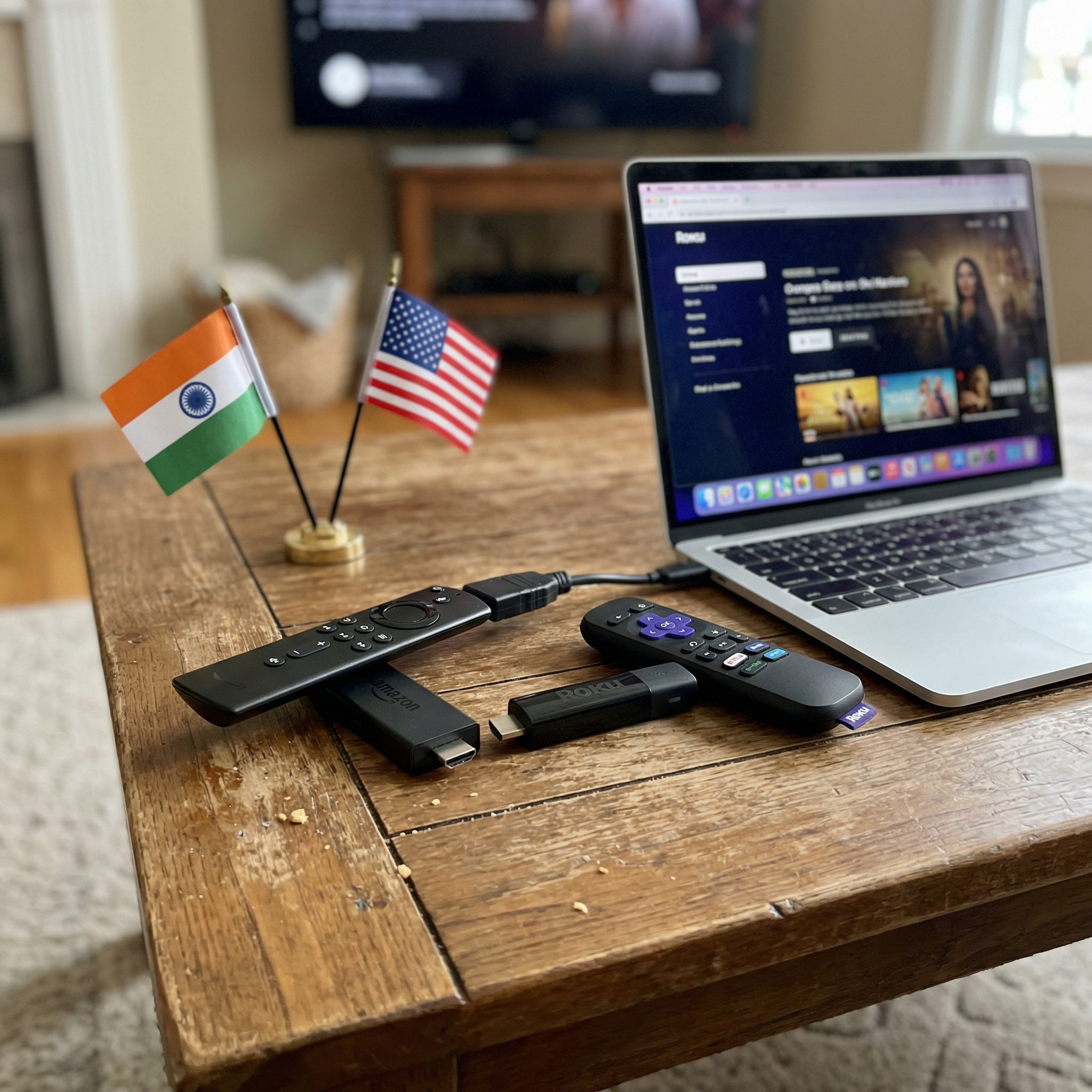
- Router Setup: Configure your VPN directly on your compatible Wi-Fi router. This process varies by router model, so refer to your VPN provider’s guides or your router’s manual.
- Connect to Indian Server: Ensure your router’s VPN connection is set to an Indian server.
- Install SonyLIV App: Download and install the SonyLIV app or add-on on your streaming device (e.g., Firestick, Kodi).
- Stream: Connect your streaming device to the VPN-enabled Wi-Fi network and enjoy SonyLIV.
For devices like Amazon Fire TV Stick, which do support VPN apps, the process is similar to mobile devices: download the VPN app from the Amazon Appstore, connect to an Indian server, and then launch the SonyLIV app.
What About SonyLIV Subscription in the USA?
Once you have successfully established a VPN connection to an Indian server, you can proceed with subscribing to SonyLIV. The pricing structure for direct Indian subscriptions is significantly more economical than accessing it via third-party services in the USA. Here’s a breakdown of typical Indian SonyLIV subscription plans and their approximate USD equivalents:
| Plan Type | Price (INR) | Approximate Price (USD) | Validity | Platforms Supported |
|---|---|---|---|---|
| Mobile Only | ₹699 | $8.20 | 12 Months | Android and iOS |
| LIV Premium (1 Device) | ₹399 | $4.68 | 6 Months | All devices |
| LIV Premium (2 Devices) | ₹1499 | $17.59 | 12 Months | All devices |
Note: Prices are approximate and subject to change based on exchange rates and SonyLIV promotions.
When signing up, SonyLIV typically asks for a cell phone number, email, or social account. If you don’t have an Indian cell phone number, it’s advisable to use an email address or a social media account for registration, as the platform only accepts phone numbers from the country of registration.
Is Using a VPN for SonyLIV Legal?
The legality of using a VPN for streaming services like SonyLIV is a common concern. In most countries, including the United States, using a VPN is perfectly legal. VPNs are legitimate tools designed to enhance online privacy and security, and they are widely used by individuals and businesses for various purposes.
However, while using a VPN is legal, bypassing geo-restrictions might be considered a violation of SonyLIV’s Terms of Service.
These terms are put in place to protect licensing agreements. It’s important to understand that violating a service’s terms of service is typically a contractual issue, not a criminal one. For individual users, the consequences are usually limited to the streaming service potentially blocking your VPN access or, in rare cases, terminating your account. However, instances of streaming services taking severe action against individual users for VPN use are uncommon.
Conclusion
Accessing SonyLIV in the USA, while initially seeming challenging due to geo-restrictions, is entirely achievable with the right approach. Whether you opt for the convenience of Sling TV or the comprehensive access and cost savings offered by a reliable VPN, a world of Indian movies, TV shows, and live sports awaits.